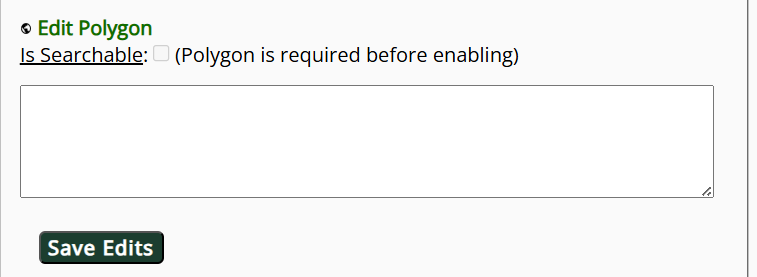
Searchable Polygons
Specified geographic units ("geoTerms") saved to the geographic thesaurus can become searchable polygons in the public search interface if properly configured. This functionality is intended to allow searching within units of particular interest to a portal, such as park boundaries, Indigenous land boundaries, seed transfer zones, or other areas of interest.
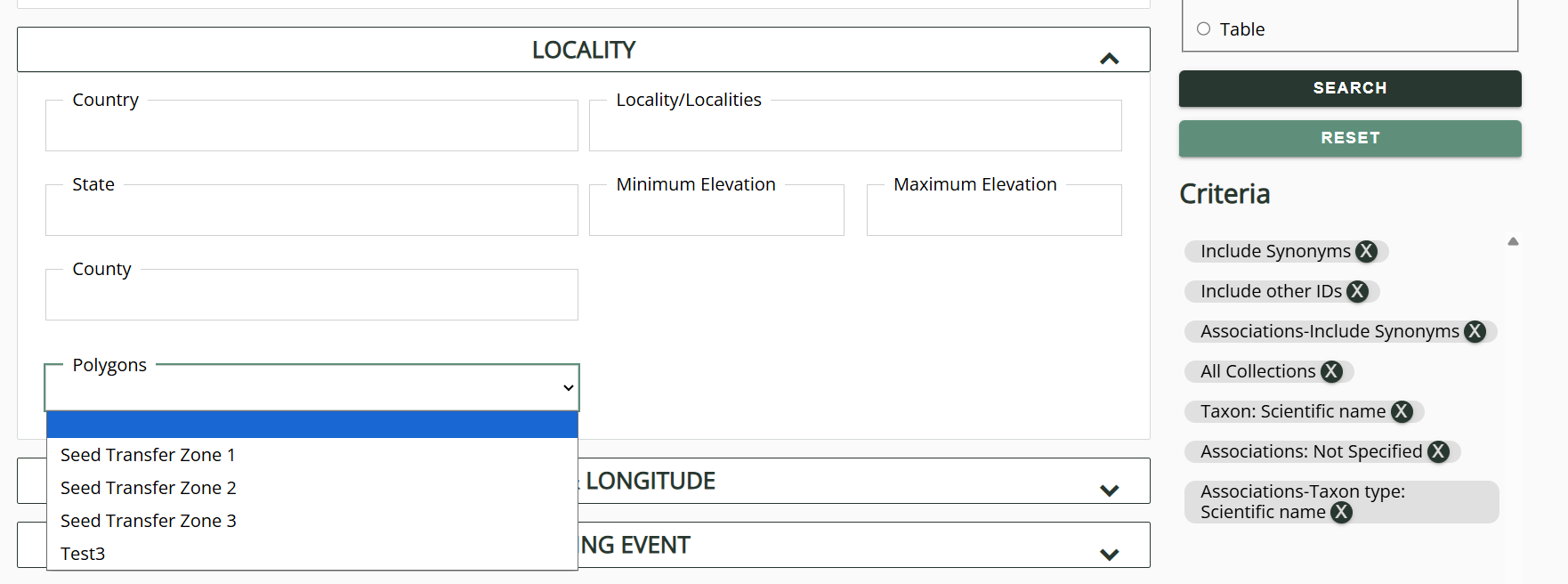
To create searchable polygons:
-
Create a geoTerm in the geographic thesaurus with the Geography Rank of "Place Name" and add a polygon to that geoTerm.
-
Save the geoTerm, then click the pencil icon to edit the geoTerm.
-
Check the box next to Is Searchable and click the Save Edits button. You will only be able to do this if the polygon was properly saved in the thesaurus.