Contacting a Collection
To contact a collection directly, locate its Collection Profile:
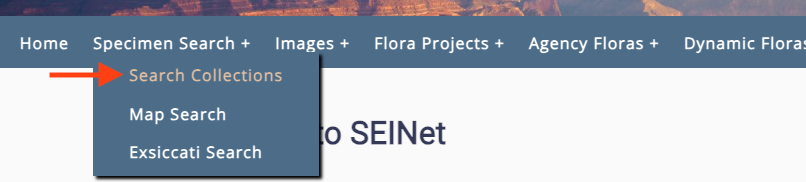
| Step 1: Select "Search" or "Search Collections" from your portal's main menu. |
|---|
 |
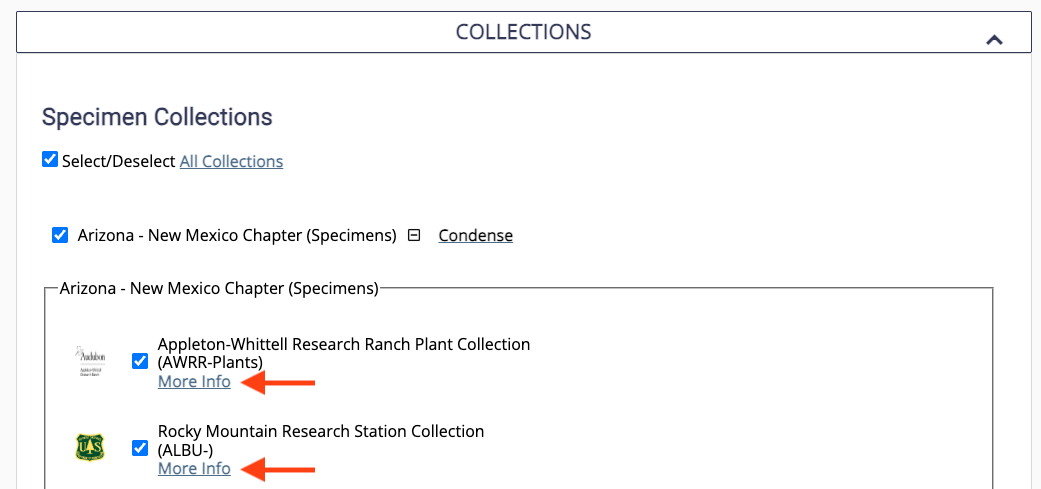
| Step 2: Scroll down to the "Collections" section of the search form (click the section header, if not already expanded) and select "More Info" next to the collection of choice. |
|---|
 |
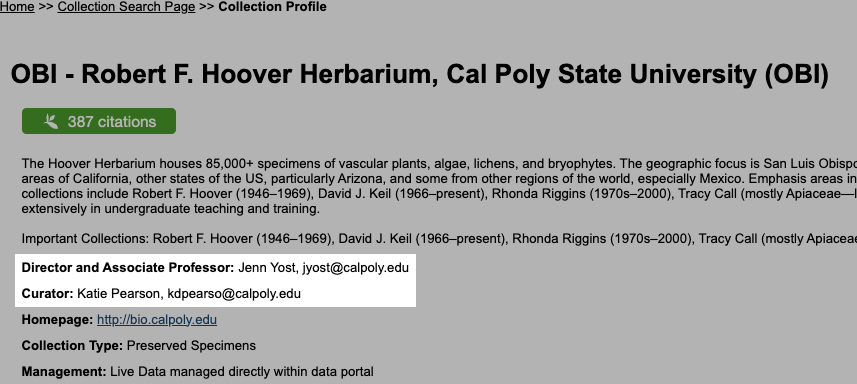
| Step 3: Contact the person(s) responsible for the collection as listed on the collection's profile. |
|---|
 |